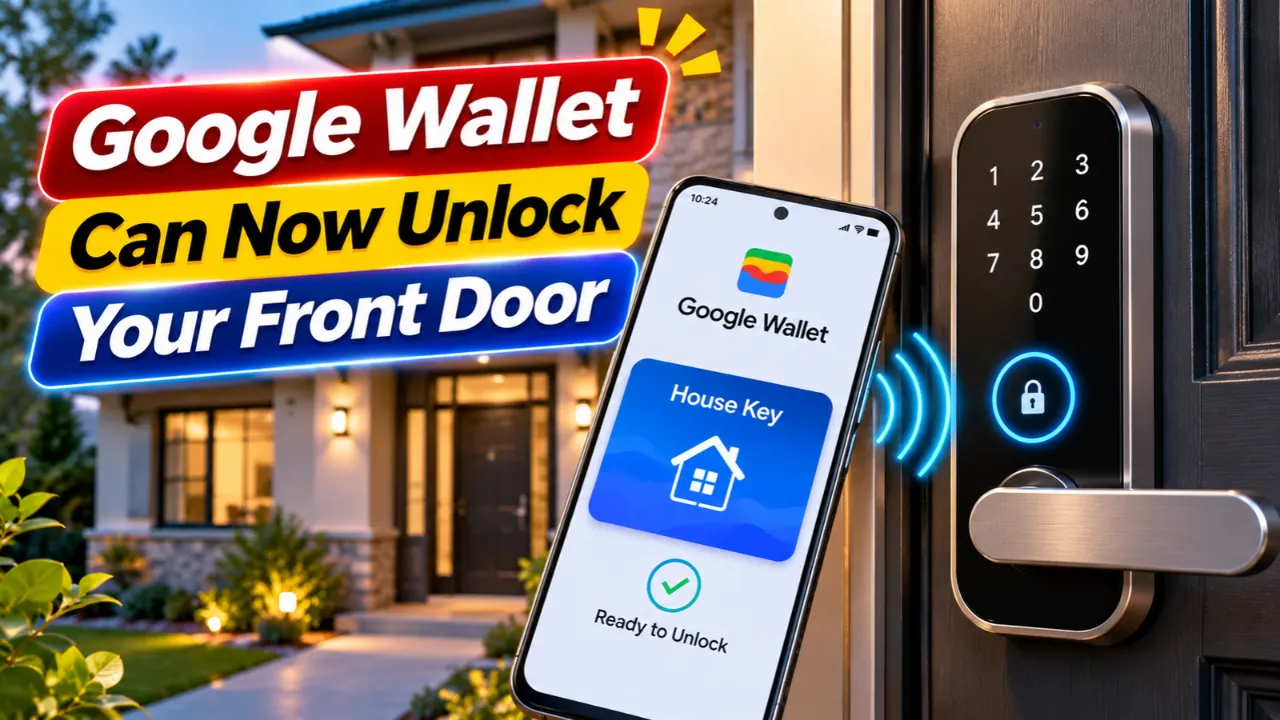
Google is expanding Google Wallet beyond payments by introducing digital house keys for compatible smart locks. The feature is rolling out first through the Google Home Public Preview and allows Android users to unlock supported doors simply by tapping their phone or even automatically when approaching the door on supported hardware. For anyone building a smart home, this is one of Google’s biggest convenience upgrades of the year.
The update also shows Google’s continued push toward an open smart-home ecosystem based on Matter, Thread, and the new Aliro access standard rather than proprietary lock apps.
Read Also-Apple HomeView smart home hub with Siri AI
Why This Google Wallet Update Matters
Until now, most smart locks required their own dedicated apps or Google Home controls.
The new Google Wallet integration lets users keep their digital house key alongside:
- Credit cards
- Transit passes
- Loyalty cards
- Digital IDs
- Event tickets
Instead of opening multiple apps, users can simply use Google Wallet as their everyday access hub. The feature is beginning with Google Home Public Preview members and is expected to expand more broadly in the coming weeks.
How Google Wallet House Keys Work
Google built the new feature around the Aliro smart access standard, which works with Matter-compatible smart locks.
Depending on your hardware, you can unlock your door in two ways:
- Tap to Unlock using NFC
- Unlock on Approach using Ultra Wideband (UWB)
One useful improvement is that your Wallet key belongs to your Google Home, not a single lock. If your home has multiple compatible Aliro locks, one Wallet key can work across all of them.
Which Smart Locks Are Supported?
At launch, Google officially supports:
- Aqara U400 (NFC + UWB)
- Schlage Sense Pro (NFC initially, UWB later)
- Nuki Keypad 2 NFC
Google says additional Aliro-compatible locks will be added over time as more manufacturers adopt the standard.
Read Also-Ring Drone Cam Is Finally Real: Should You Buy One in 2027?
What You’ll Need Before Setup
To use Google Wallet digital house keys, you’ll need:
- A compatible Matter-certified Aliro smart lock
- An NFC-enabled Android phone running Android 9 or newer
- The latest Google Home and Google Wallet apps
- A supported Google hub with Thread Border Router capabilities, such as:
- Nest Hub (2nd Gen)
- Nest Hub Max
- Nest Wifi Pro
- Google TV Streamer
Hands-free unlocking additionally requires a compatible UWB Android phone and UWB-enabled lock.
Security Features Worth Knowing
Google includes several security controls to reduce unauthorized access.
Users can choose whether unlocking requires:
- Device unlock
- Fingerprint authentication
- Face unlock
- Or simple NFC tap
Even if you prefer quick access, you can later enable stronger verification directly inside Google Wallet settings.
Google also notes that Unlock on Approach is disabled by default, giving users full control over automatic unlocking.
Does This Replace Your Physical Key?
Not completely.
Google still recommends keeping a physical key available as a backup.
Reasons include:
- Battery failure
- Lost phone
- Unsupported devices
- Emergency access
For most homeowners, digital keys are designed to make everyday entry easier—not completely replace traditional access methods.
How to Add a Google Wallet House Key
If your smart lock is compatible, setup only takes a few minutes.
- Install and configure your Matter-compatible smart lock in Google Home.
- Open the Google Home app.
- Go to Home Settings.
- Select Google Wallet Key.
- Tap Add to Wallet.
- Choose your preferred security settings.
- Test NFC unlocking before relying on it daily.
Once added, your key automatically syncs across compatible Android devices signed into the same Google account.
Should You Use Google Wallet for Your Front Door?
If you already own a supported Matter smart lock, the answer is likely yes.
The update removes the need to launch separate lock apps, keeps access centralized inside Google Wallet, and introduces faster NFC unlocking with optional hands-free entry on supported hardware.
However, because Aliro-compatible hardware is still limited, many homeowners may need to wait for additional lock manufacturers to adopt the new standard before upgrading.
As Google’s smart-home ecosystem continues expanding around Matter and Thread, digital house keys appear to be another step toward a simpler, more unified smart-home experience.
Read Also-Best AI Smart Home Devices for 2026: Top Picks & Automation Ideas