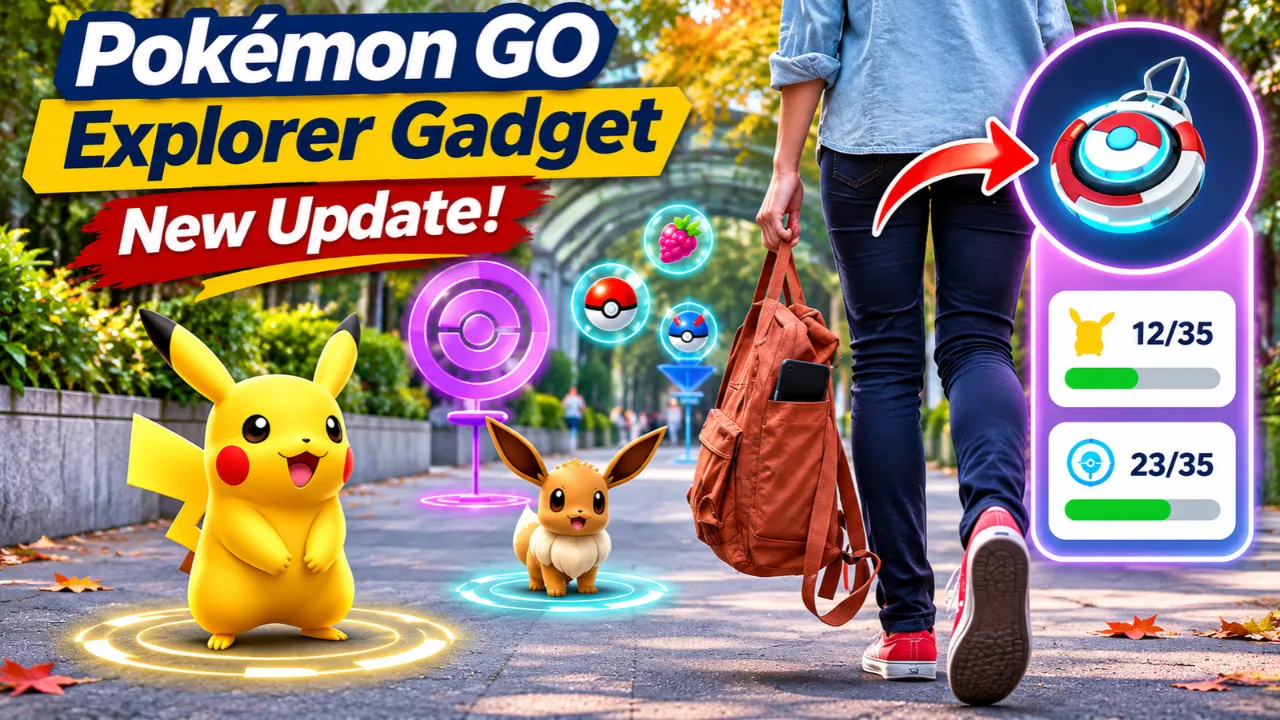
Pokémon GO players are getting one of the game’s most useful quality-of-life upgrades in months. As of November 3, 2026, the Explorer Gadget has received a significant update that allows eligible Trainers to use its automatic catching and PokéStop spinning features even while actively playing the game not just when Pokémon GO is running in the background. The update also introduces several interface improvements designed to make everyday gameplay smoother and faster.
For U.S. players preparing for upcoming November events and holiday gaming sessions, this update reduces repetitive tasks while keeping manual gameplay fully available.
Read Also-Early Black Friday Tech Deals Are Live: Best Buys Before the Rush
Pokémon GO Explorer Gadget Now Works While You’re Playing
The biggest change is simple but impactful.
Previously, the Explorer Gadget only attempted to catch Pokémon and spin nearby PokéStops while the Pokémon GO app wasn’t actively open. After today’s update, Trainers can leave the feature enabled during active gameplay.
Here’s how it works:
- Available for Trainers Level 20 and above
- Activate it from the Explorer Gadget icon or the Key Items section
- A pink Poké Ball icon appears above Pokémon or PokéStops the Gadget is targeting
- Players can still manually tap a Pokémon or PokéStop to override the Gadget before it completes the action
- It continues using standard Poké Balls, not Great Balls or Ultra Balls
This makes the built-in feature feel much closer to using a Pokémon GO Plus+ accessory while keeping everything inside the app.
Important Limitations Every Trainer Should Know
Although the Explorer Gadget has become more capable, it still follows several important rules.
The Gadget will not:
- Catch Pokémon that are not yet registered in your Pokédex
- Automatically catch certain special encounters such as Mighty Pokémon
- Operate simultaneously with a connected Pokémon GO Plus+ or similar accessory
- Continue once its daily activity limit has been reached
Players also need available Pokémon Storage, Item Bag space, and Poké Balls for the feature to work correctly.
Read Also-Nintendo Clarifies Zelda Switch 2 Repair Policy Changes
More Quality-of-Life Improvements Included in Today’s Update
The Explorer Gadget isn’t the only improvement rolling out.
Pokémon GO has also refreshed several everyday gameplay systems.
New Catch Summary
The post-catch screen now displays rewards and bonuses with clearer visuals, making it easier to review each successful catch.
Dedicated Appraise Button
Checking IVs is now faster thanks to a dedicated Appraise button positioned directly on a Pokémon’s summary screen.
Improved Visual Indicators
Players will notice:
- Higher-contrast PokéStops after spinning them
- Updated encounter rings for Pokémon found through Routes and Lure Modules
- Refreshed visual effects for Pokémon attracted by the Mystery Box and Coin Bag
Power Spot Change
Visiting a Power Spot or placing a Pokémon after winning a Max Battle will no longer trigger special nearby wild encounters, creating more consistent exploration across different locations.
What U.S. Players Want to Know Right Now
Many American Trainers are asking whether today’s update changes the overall Pokémon GO experience.
Here are the biggest takeaways:
- No additional hardware is required. The Explorer Gadget is built directly into Pokémon GO.
- Manual catching remains available. You stay in control and can override automatic actions.
- Accessory owners can still use Pokémon GO Plus+, but only one automation system can operate at a time.
- The update arrives just before major November events, giving players extra convenience ahead of Pokémon GO Wild Area activities later this month.
For players who regularly walk during lunch breaks, commute through cities, or explore parks, the update should make collecting Pokémon and spinning PokéStops more efficient without changing the core gameplay.
How to Enable the Pokémon GO Explorer Gadget
Follow these steps to start using the updated feature:
- Update Pokémon GO to the latest available version.
- Reach Trainer Level 20 or higher.
- Open the game and locate the Explorer Gadget icon on the Map or inside Key Items.
- Activate the Explorer Gadget.
- Watch for the pink Poké Ball icon indicating automatic catch or spin attempts.
- Tap a Pokémon or PokéStop yourself if you want to override the Gadget before it completes the action.
- Review your Explorer Gadget activity anytime through its summary screen.
Final Thoughts
Today’s Explorer Gadget update is one of Pokémon GO’s most practical gameplay improvements of 2026. Rather than introducing new Pokémon or battle mechanics, it focuses on reducing repetitive interactions while preserving player choice. Combined with a redesigned catch summary, faster appraisal access, and visual improvements, the update makes everyday exploration smoother for both casual and dedicated Trainers.
With major Pokémon GO events scheduled throughout November, including Wild Area activities, this update arrives at an ideal time for players looking to maximize their adventures without sacrificing control over their catches.
Read Also-PS6 Release Rumors Grow as Sony Clarifies 2027 Launch Plans