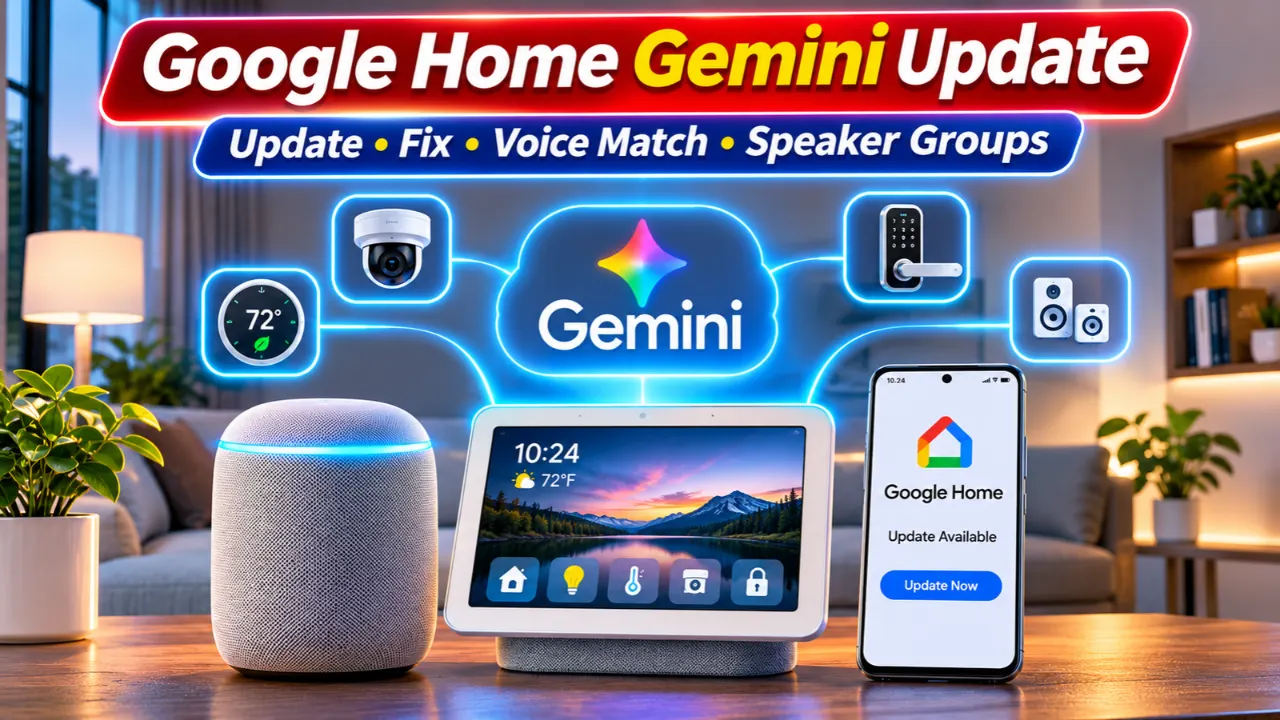
If you’ve noticed your Google Home devices behaving differently over the past few weeks, you’re not imagining it. Google is rolling out “Google Home Gemini Update” another wave of Gemini for Home improvements, bringing smarter voice recognition, faster responses, better Matter device support, and several bug fixes for Android, iPhone, Nest speakers, and smart displays. The Google Home Gemini Update is especially important for users who rely on speaker groups, Voice Match, and connected smart home devices.
For many U.S. users, the biggest questions are simple: How do you get the latest Google Home Gemini update? Why hasn’t Gemini appeared yet? And what should you do if features aren’t working correctly? Here’s everything you need to know.
Read Also-Wyze Lever Lock Review: Should You Buy This New Fingerprint Smart Lock?
What’s New in the Latest Google Home Gemini Update?
Google continues expanding Gemini for Home (Early Access) with improvements that make everyday smart home control feel more natural.
Recent Google Home Gemini Update include:
- More natural conversations with quicker conversation endings.
- Better voice recognition in noisy environments.
- Faster smart home commands for lights, plugs, speakers, and thermostats.
- Improved Matter device support with faster local control on compatible hardware.
- More reliable alarms, timers, playlists, and routines.
- Various Nest camera and Google Home app bug fixes.
Instead of adding one major feature, Google is refining the overall experience so daily voice interactions feel quicker and more dependable.
How to Get Google Home Gemini Update on Android and iPhone
Keeping the app updated is the easiest way to receive the latest Gemini improvements.
Android
- Open Google Play Store.
- Search for Google Home.
- Tap Update if available.
- Restart the app after installation.
iPhone
- Open the App Store.
- Search Google Home.
- Install the newest version.
- Relaunch the app.
If no update appears, Google may still be rolling it out gradually.
How to Enable Gemini for Home
Not every account receives Gemini at the same time.
Open the Google Home app and:
- Tap Settings.
- Check whether Gemini for Home or Early Access appears.
- Join the preview if available.
- Complete any setup prompts.
- Keep your Google account updated.
Google continues expanding availability in stages, so some users may receive access later than others.
Read Also-Apple iCloud Shared Links Change: What iOS 27.3 Users Need to Know
Troubleshooting Common Google Home Gemini Problems
If Gemini isn’t working correctly, these fixes solve most issues.
Gemini Isn’t Available
- Update the Google Home app.
- Restart your phone.
- Restart your Nest speaker or display.
- Verify you’re using the correct Google account.
- Wait if the rollout hasn’t reached your account.
Speaker Groups Aren’t Working
- Confirm every speaker uses the same Wi-Fi network.
- Open the Google Home app.
- Re-sync the speaker group.
- Install any available firmware updates.
- Restart every speaker.
Voice Match Problems
If Google doesn’t recognize your voice:
- Delete the existing Voice Match profile.
- Create a new Voice Match.
- Speak naturally during setup.
- Reduce background noise while training.
Recent updates improve recognition accuracy, particularly in busy households.
Why Google Home Gemini Update Matters for Smart Home Users
Google’s focus is shifting beyond basic voice commands toward a more intelligent assistant that understands context and handles multiple actions in one request.
The latest improvements are especially valuable if you regularly use:
- Smart lights
- Smart thermostats
- Nest cameras
- Matter-enabled devices
- Smart locks
- Speaker groups
- Voice routines
Google has also continued improving local Matter support, helping compatible devices respond faster and remain more reliable even as smart home networks grow.
How to Get the Best Experience
Follow these steps after updating:
- Update the Google Home app.
- Install firmware updates for Nest devices.
- Recreate Voice Match if recognition feels inconsistent.
- Check speaker groups after updating.
- Enable automatic app updates.
- Restart devices after major updates.
- Verify Matter devices are using the latest firmware.
These simple maintenance steps can eliminate many common issues before they become frustrating.
Final Thoughts
The latest Google Home Gemini update isn’t about flashy new features, it’s about making your smart home more dependable every day. Faster responses, stronger Voice Match performance, improved Matter compatibility, and better speaker group reliability all contribute to a smoother experience.
If your Google Home setup has recently felt inconsistent, updating both the Google Home app and your connected devices should be your first step. As Google continues expanding Gemini for Home, users can expect smarter conversations, better automation, and a more capable voice assistant throughout the coming months.
Read Also-Ring Drone Cam Is Finally Real: Should You Buy One in 2027?