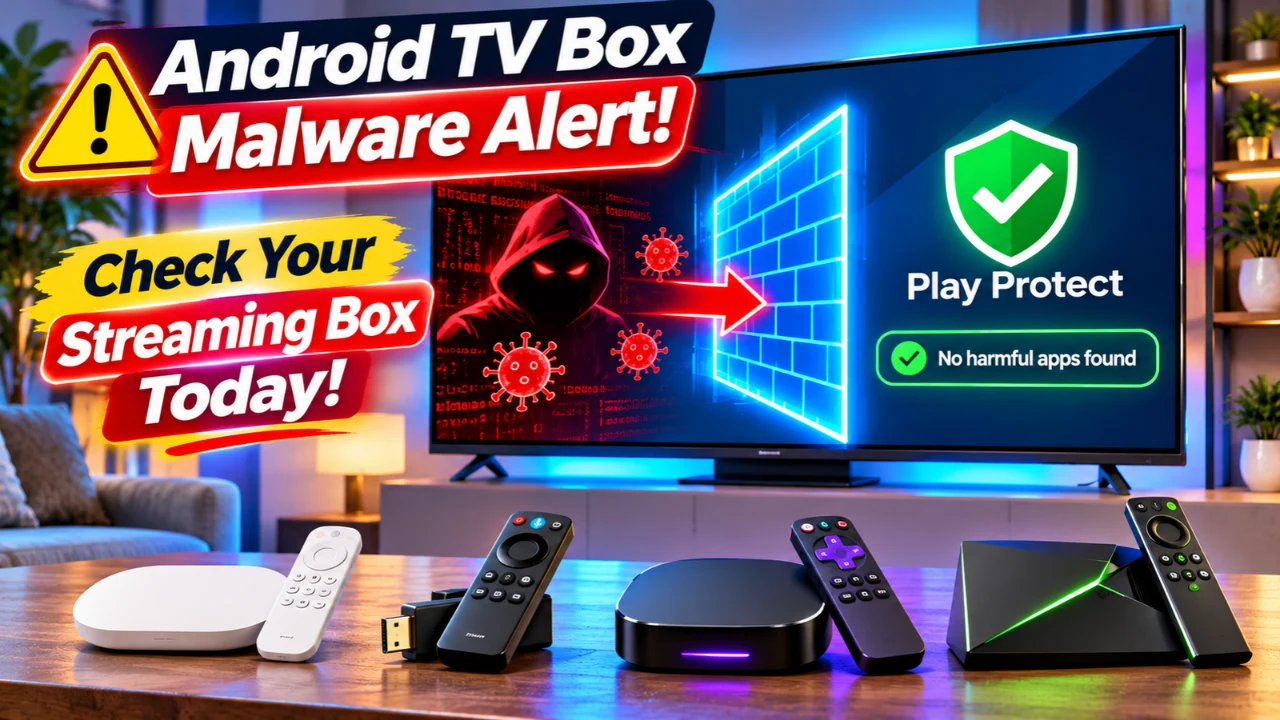
Millions of households worldwide are being urged to review the security of their Android TV streaming devices after Google and several cybersecurity partners dismantled the XCPE botnet, a malware operation that infected more than 1.3 million Android-based streaming boxes. According to Google’s Threat Intelligence Group, the malware was pre-installed by the manufacturer before customers even purchased the devices, allowing criminals to remotely misuse the hardware for ad fraud, proxy services, data theft, and additional malware distribution.
For U.S. consumers, this incident highlights an important lesson: buying an inexpensive streaming box from an unknown brand could expose your home network to unnecessary security risks. Google says it has now disrupted the command-and-control infrastructure behind the operation, cut ties with the manufacturer involved, and strengthened its Android TV certification process.
Read Also-RAM Prices Surge Again: Should You Buy Now or Wait?
What Happened with the XCPE Botnet?
Google’s investigation concluded that the malware campaign wasn’t caused by hackers compromising devices after purchase. Instead, the malicious software was embedded into the firmware of many Android TV boxes before they left the factory.
Google says the infected devices were used to:
- Run advertising fraud
- Join residential proxy networks
- Download additional malware
- Capture device information
- Execute remote commands
- Route criminal internet traffic through users’ home connections
Even more concerning, Google believes the manufacturer intentionally designed and maintained the backdoor for financial gain. The company has since banned Videostrong Technology and its affiliates from producing future certified Android devices while also updating its security review process to prevent similar attacks.
How to Check If Your Streaming Box Is Safe
Not every Android TV device is affected, but it’s worth performing a quick security review.
Check these items:
- Open Settings → About and verify your device manufacturer and model.
- Install any available system software updates immediately.
- Confirm that Google Play Protect is enabled if your device supports Google Play services.
- Review installed apps for unfamiliar system applications or software you didn’t install.
- If your streaming box came from an unknown online marketplace with no recognizable brand, be extra cautious.
Google also recommends purchasing connected devices only from trusted manufacturers and official Android TV partners rather than extremely low-cost generic products.
Warning Signs Your Streaming Box May Be at Risk
Although infected devices may continue to work normally, some warning signs deserve attention:
- Unexpected internet activity even when the TV is idle
- Frequent unexplained software installations
- Slow performance after updates
- Apps appearing without your approval
- Security software reporting unusual network traffic
Security researchers note that because the malware resides in firmware, simply uninstalling suspicious apps may not completely remove the backdoor. In many cases, replacing the device is the safest option if it is confirmed to be affected.
Read Also-Copilot Is Leaving Samsung and LG TVs: What Changes December 1?
What Should You Buy Instead?
If you’re replacing an older or untrusted streaming box, security experts generally recommend buying products that receive regular software updates directly from major manufacturers.
Some reliable options for U.S. buyers include:
Google TV Streamer (4K)
Best for:
- Google ecosystem users
- Matter smart homes
- Long-term software support
Amazon Fire TV Stick 4K Max
Ideal for:
- Alexa households
- Affordable streaming
- Fast setup
Roku Ultra
Great for:
- Simple interface
- Broad app support
- Easy maintenance
NVIDIA Shield TV Pro
Recommended for:
- Power users
- Plex media servers
- AI upscaling
- Gaming
These devices receive regular security patches and come from manufacturers with established update policies, making them a safer long-term choice than unknown generic Android TV boxes.
How to Protect Your Home Network Going Forward
Whether you own a streaming box today or plan to buy one soon, following a few simple steps can reduce your risk.
- Buy streaming devices only from reputable brands and authorized retailers.
- Install firmware updates as soon as they’re available.
- Keep Google Play Protect enabled whenever possible.
- Avoid installing apps from unofficial sources.
- Disconnect and replace any device confirmed to be compromised.
- Restart your home router after removing a suspicious device to ensure fresh network connections.
These basic practices can help prevent malware from gaining long-term access to your home network.
Final Thoughts
Google’s disruption of the XCPE botnet represents one of the largest actions ever taken against malware hidden inside consumer streaming devices. While the company estimates the operation involved more than 1.3 million Android TV boxes, it also says shutting down related command servers will help cut criminals off from at least 10 million additional compromised devices used in connected malware campaigns.
For U.S. households, the takeaway is straightforward: your streaming device is part of your home network, not just your entertainment system. Choosing products from trusted manufacturers, keeping software updated, and replacing suspicious hardware when necessary remain the best defenses against supply-chain malware.
Read Also-New Echo Dot Gets Thread Border Router: Do You Still Need a Hub?